
How I Designed a Scalable Music Streaming Platform Without Burning Cloud Costs
The Problem
A client came to me with an idea that he wants to build a music streaming app for music fans.
The app needed to play both audio and video. It had to run on iPhone, Android, and the web. It had to support free users (with ads) and paid users (with offline downloads and no ads). And it had to launch in a few months.
That was the easy part. The hard part was the budget.
What the Client Wanted
Here is what the client asked for, in plain terms:
A working app in 3 to 6 months, ready for 20k+ users at launch.
Growth to 100+ users within two years.
Monthly cloud cost between $300 and $500.
Fast playback: A song should start in under one second.
Smooth experience on slow internet
Built to grow later: AI recommendations, social features, ads, and DRM would come in phase two, but the system needed to be ready for them.
He was also clear about what he did not want:
No Kubernetes.
No microservices.
No expensive AWS services like MediaConvert or Kinesis.
No heavy analytics tools on day one.
These were not random rules. A small team can run a simple system at 2 a.m. when something breaks.
The Core Idea Behind My Design
Before I picked any technology, I made one decision that shaped everything else:
The backend should never touch the actual music or video files.
Music and video are big. If the backend had to stream video to users, the cloud bill would blow past $500 in the first week. So I designed the system in two halves:
The backend handles logins, playlists, payments, search, and so on. It deals with small pieces of data, JSON responses, a few kilobytes each.
Cloudflare handles all the music and video. It stores the files, prepares them for streaming, and delivers them to users worldwide.
When a user wants to play a song, the backend does not send the song. It sends a signed link to Cloudflare, and Cloudflare streams the song directly to the user. The backend is out of the way in milliseconds.
This one decision is why the whole thing fits inside $500 a month.
The Architecture

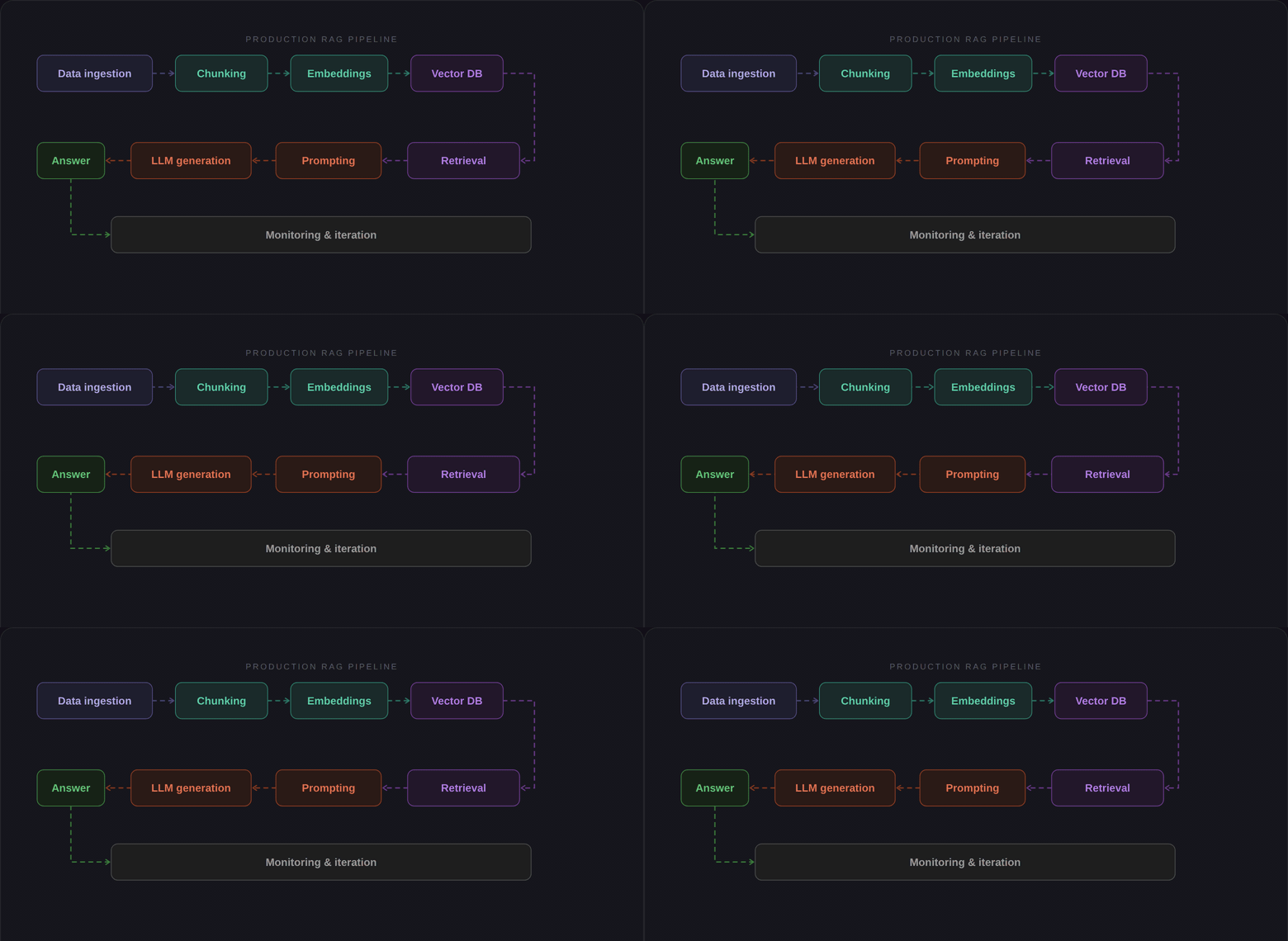
Here is the full picture, top to bottom:
Users — iPhone, Android, web, and an admin panel for the client's team.
Cloudflare (the media side)
R2 stores all the music and video files.
Stream prepares videos for smooth playback on any network speed.
CDN delivers the files from servers close to the user.
AWS (the backend side)
WAF blocks bad traffic before it reaches us.
Load Balancer spreads requests across backend servers.
ECS runs the backend app in small, cheap containers.
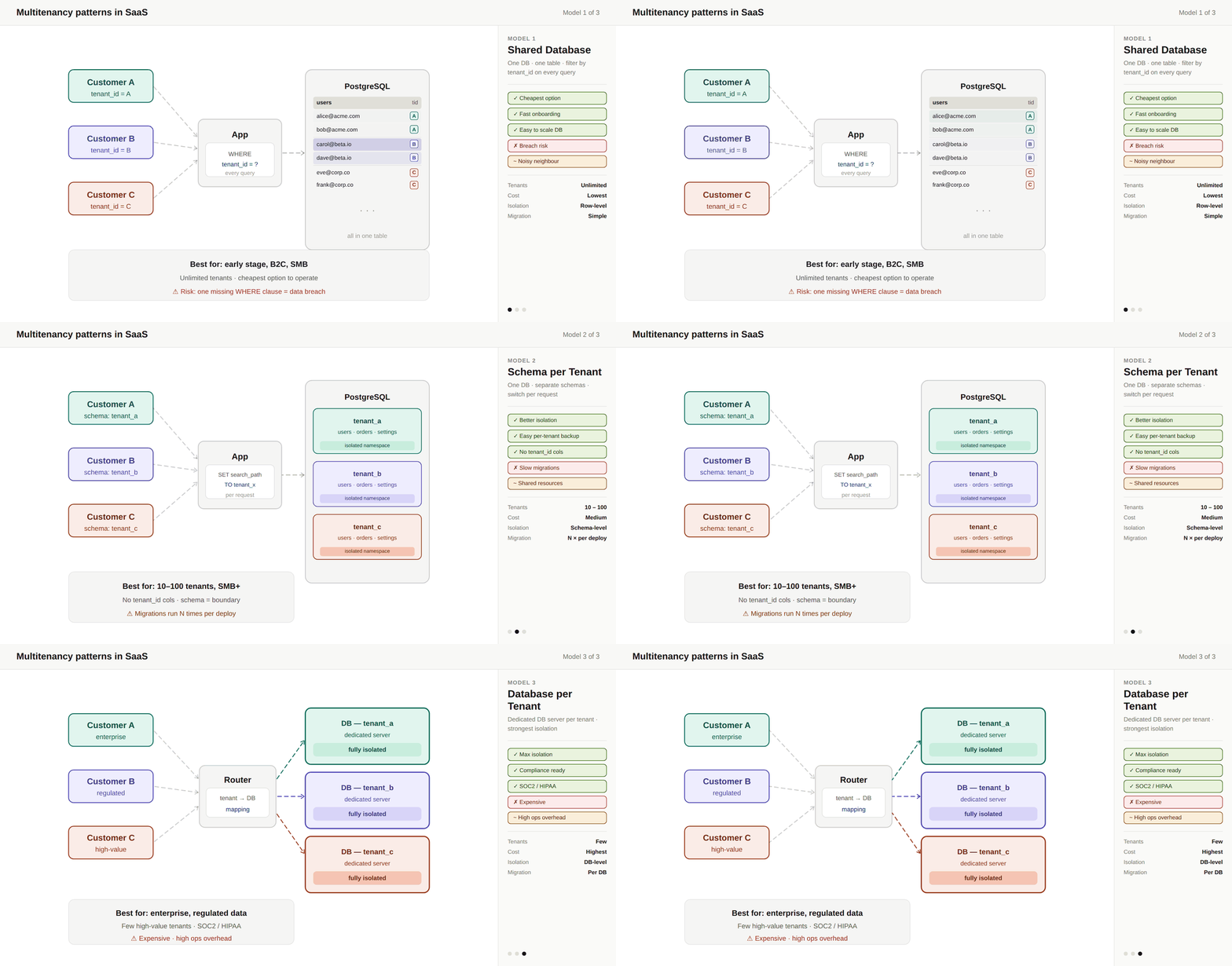
RDS runs the main database (PostgreSQL).
Redis caches frequently used data.
Elasticsearch powers search for songs, artists, and playlists.
Secrets Manager keeps passwords and API keys safe.
CloudWatch logs everything and alerts us when something breaks.
Outside services
Stripe for web and Android payments.
Apple In-App Purchases for iOS payments.
Firebase for push notifications.
AWS SES for sending emails.
What I Built, Module by Module
The backend is one app, but inside it is split into clean sections (we call them modules). Each module has one job and does not touch the others' data. If we need to pull one out later and make it its own service, we can without breaking anything.
Auth & Users — Handles sign-up, login, and sessions. Uses JWT tokens with refresh tokens stored in Redis.
Subscription & Billing — Knows who is free and who is paid. Talks to Stripe and Apple. Handles grace periods when a payment fails.
Media — Stores song and video details. Creates the signed links that let users play content from Cloudflare.
Playlists — Lets users make private playlists. Paid users can make public ones that compete on views.
Playback — Tracks what users are listening to. Makes sure only paid users get background playback.
Offline Downloads — The trickiest part. More on this below.
Admin — Lets the client's team upload music, manage artists, and moderate content. Has three admin roles with different permissions.
Notifications — Sends push messages and emails when something happens.
Analytics — Counts plays and shows artists how their songs are performing.
Search — Finds songs, artists, and playlists fast.
Why I Chose Each Technology
Every tool in this system was picked for a reason. Here is the short version:
NestJS (the backend framework)
Why: It is built for clean, modular code. It uses TypeScript, which catches bugs before they reach production. It fits a small team well.
Why not something else: Express is too bare. Spring Boot is overkill. Django would have forced a different language on the team.
PostgreSQL (the main database)
Why: It is rock solid, free, and handles everything we need: relational data, full-text search, and JSON fields. One database means one thing to manage.
Why not MongoDB or DynamoDB: Our data is relational (users have playlists, playlists have songs, songs have artists). SQL is the right tool.
Redis (caching)
Why: It holds hot data in memory so the database does not get hammered. Session tokens, rate limits, and popular song lookups all live here.
Why not skip it: Without caching, 20k+ users would overwhelm even a good database.
Cloudflare (media and CDN)
Why: Three reasons. First, the cost of sending data out (called egress) is much lower than AWS. Second, Cloudflare has servers close to African users, which means faster playback. Third, their Stream service handles adaptive streaming, the quality drops automatically on slow connections, so the song keeps playing instead of freezing.
Why not AWS CloudFront: It works, but the egress costs would have pushed us over budget within the first 10,000 users.
AWS ECS with Fargate (running the backend)
Why: It runs the backend in containers without making us manage servers. It scales up when traffic grows and down when it slows. It is simple and cheap.
Why not EC2: We would have to patch servers, handle failures, and manage scaling by hand.
Why not Kubernetes: Overkill for a small team. It solves problems we do not have yet.
Elasticsearch (search)
Why: PostgreSQL can do basic search, but once we have a million songs, users want results in milliseconds. Elasticsearch is built for that.
When it kicks in: Not on day one. We start with PostgreSQL search and move to Elasticsearch when traffic justifies the cost.
GitHub Actions (deploy pipeline)
Why: Free for our size, lives next to the code, and does the job. When someone pushes code, it runs tests, builds a container, and deploys it to ECS automatically.
The Two Tricky Problems I Solved
Problem 1: Offline Downloads That Cannot Be Stolen
Paid users can download songs to listen offline. But how do we stop someone from downloading a song, copying the file, and sharing it with their friends?
My solution: Encryption with split keys.
When a user downloads a song, the server generates a random encryption key. The server saves only an identifier for that key in the database — not the key itself. The actual key is sent to the user's phone and stored in the phone's secure storage (Keychain on iPhone, Keystore on Android). The song is encrypted on the phone and saved as a locked file.
When the user plays the song, the phone grabs the key from secure storage and decrypts the file. The key never leaves the phone.
The clever part: Only one device per user can have active downloads. If you log in on a new phone, the server wipes the old phone's keys. Even if the old phone is offline, its downloads become useless the next time it connects.
This gives us the protection of a paid DRM system without paying for one.
Problem 2: Counting Plays Without Killing the Database
Play counts sound easy. They are not. If we write to the database every time someone taps a song, we will have a slow dashboard and inflated numbers from accidental taps.
My solution: A 30-second rule plus a cache table.
A play only counts if the user listens for more than 30 seconds. This kills accidental-tap inflation. Every play is stored in one simple table with the song ID, user ID, and timestamp.
For the artist dashboard, we have a second table that stores pre-calculated totals — total plays last week, last month, and so on. When an artist opens their dashboard, we check this cache first. If the data is there, we return it in milliseconds. If not, we calculate it once and save it for next time.
Today's data is never shown, because today is not over yet. Artists see yesterday and earlier.
The Outcome
Here is what this design delivers:
Monthly cost at launch: around \(350. Well inside the \)300–$500 budget.
Playback start time: under one second, thanks to Cloudflare's edge network.
20K+ users handled comfortably on two small backend containers and one database.
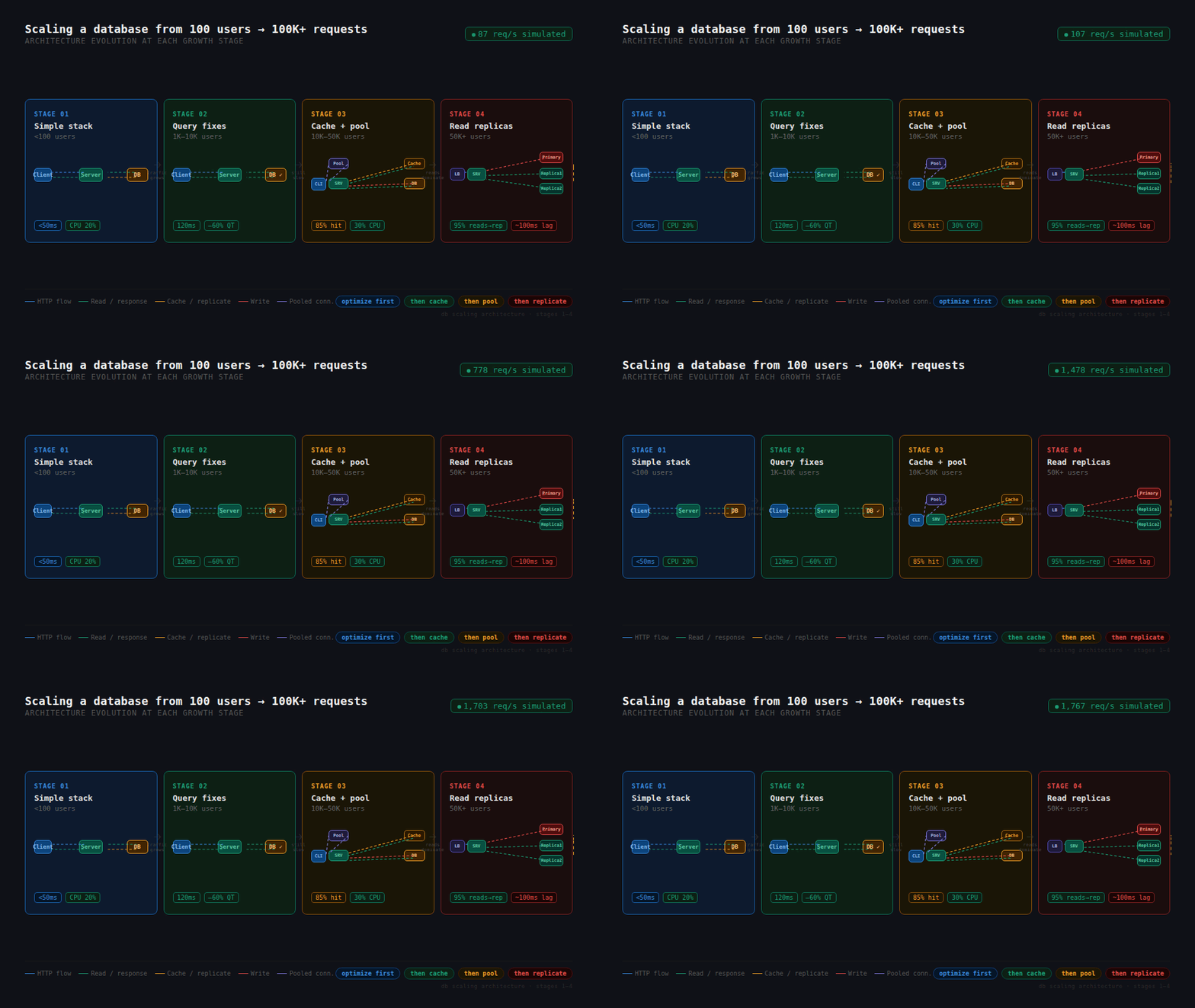
Scales to 100k+ users by adding more containers and turning on database read replicas — no rewrite needed.
Phase two features can slot in cleanly. AI recommendations, DRM, social features, ads, regional pricing — the module boundaries and database design are ready for all of them.
A single engineer can run it. No Kubernetes, no service mesh, no warehouse pipelines. Just a clean app, a database, a cache, and a CDN.
When you have a small budget and big ambitions, the architect's job is not to show off with fancy tools. It is to make a few simple pieces do a lot of work and to know exactly where the system will strain when it grows.
The real skill is saying no to complexity until the product actually needs it. Every service you add is a service someone has to run at 3 a.m. Every fancy tool is a tool someone has to learn. Every microservice is a new place for bugs to hide.
Boring, simple, and well-chosen beats clever every time.
Building something with a tight budget and a big roadmap? I'd be happy to talk.